



CCYLEZ
Small 3D Printer, Precision 3D Printer for Beginners Frequency Division Multiplexing Compact Inch Printing Size with All Metal Nozzle for PLA TPU Filaments (US Plug)
Small 3D Printer, Precision 3D Printer for Beginners Frequency Division Multiplexing Compact Inch Printing Size with All Metal Nozzle for PLA TPU Filaments (US Plug)
Couldn't load pickup availability
Share


Small 3D Printer, Precision 3D Printer for Beginners Frequency Division Multiplexing Compact Inch Printing Size with All Metal Nozzle for PLA TPU Filaments (US Plug)
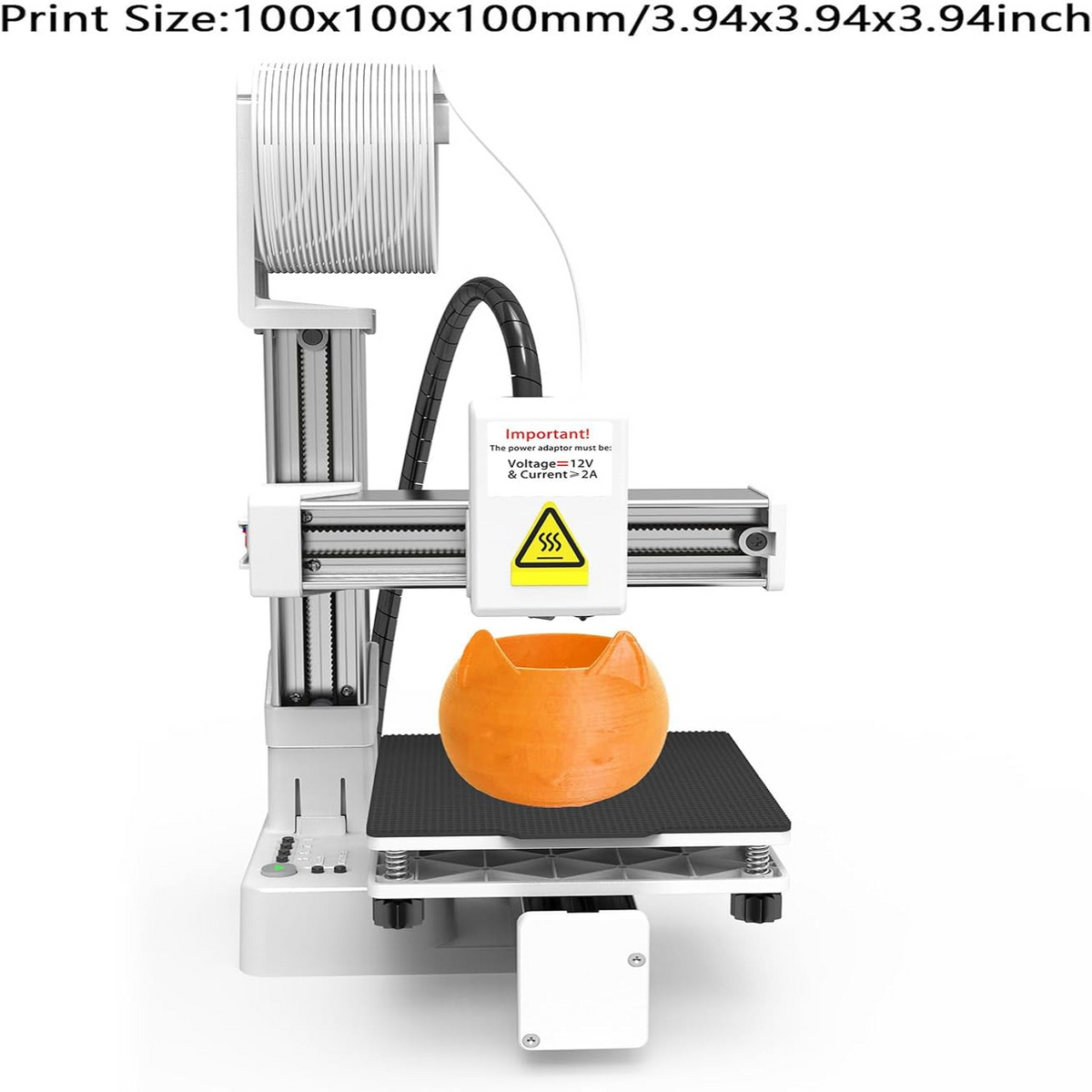
Small 3D Printer, Precision 3D Printer for Beginners Frequency Division Multiplexing Compact Inch Printing Size with All Metal Nozzle for PLA TPU Filaments (US Plug) is designed for straightforward desktop 3D printing with beginner-friendly controls, memory card and USB connectivity, and support for PLA and TPU filament. The nozzle heats evenly and reaches 180°C in approximately 5 minutes, while the compact machine provides a printing area of approximately 100 x 100 x 100mm / 4 x 4 x 4in.
Specifications
-
Temperature: 180-230°C
-
Printing Speed: 10-40mm/s
-
Supported Materials: TPU PLA (1.75mm)
-
Connection: Memory Card (Maximum 128G), USB Cable
-
Supported Operating Systems: Win 7, Win 8, Win 10 (32 Bit, 64 Bit), OS X
-
Slicing Software: Easyware, CURA, Simplify3DExtruder
-
Filament Format: Input: Stl, obj, Output: gcode
-
Supported 3D Format: STL
-
Material: ABS
-
Machine Size: Approx. 155 x 175 x 210mm / 6.1 x 6.89 x 8.27in
-
Printing Size: Approx. 100 x 100 x 100mm / 4 x 4 x 4in
-
Nozzle Diameter: Approx. 0.4mm / 0.016in
Features
-
Efficient Heating: The nozzle heats evenly and reaches 180°C in approximately 5 minutes, which is sufficient for PLA material.
-
Beginner-Friendly Operation: Designed for straightforward use, including for users without experience using 3D slicing software.
-
Simple File Loading: Download Gcode model files to a memory card, insert the card into the printer, and begin printing.
-
Material Controls: Load material using the + key and unload it using the - key.
-
Educational Use: Designed as an educational tool for hands-on 3D printing experiences.
Setup & Leveling
-
Leveling: Leveling is an important part of using the printer. Press the home switch to start leveling, and when the printhead touches the magnetic plate, disconnect the power and begin leveling.
-
Nozzle Position: If the nozzle is too far from the magnetic plate, the printed model may not adhere to the magnetic plate.
-
Plate Protection: Improper leveling may allow the nozzle to press against and damage the magnetic plate.
Package Contents
-
X Axis: 1
-
Z Axis: 1
-
Y Axis and Platform: 1
-
Z Axis Bracket: 1
-
Control Box and Printing Head: 1
-
Filament Holder: 1
-
PLA Filament: 1
-
Screwdriver: 1
-
Adapter: 1
-
Manuals: 2






